
CarlinKit FireDrive Link Convert Wired CarPlay to HDMI for Fire TV Stick Streaming Car Entertainment Solution Quick & Easy Setup
FireDrive Link / United States
$1,496.00 USD
Skip to product information




CarlinKit FireDrive Link Convert Wired CarPlay to HDMI for Fire TV Stick Streaming Car Entertainment Solution Quick & Easy Setup
$1,496.00 USD
📦 Ships in 1-3 business days · US delivery 7-14 days · International 14-21 days
SPECIFICATIONS
Brand Name: Carlinkit
High-concerned chemical: none
Origin: Mainland China
New Arrival ---Carlinkit FireDrive Link
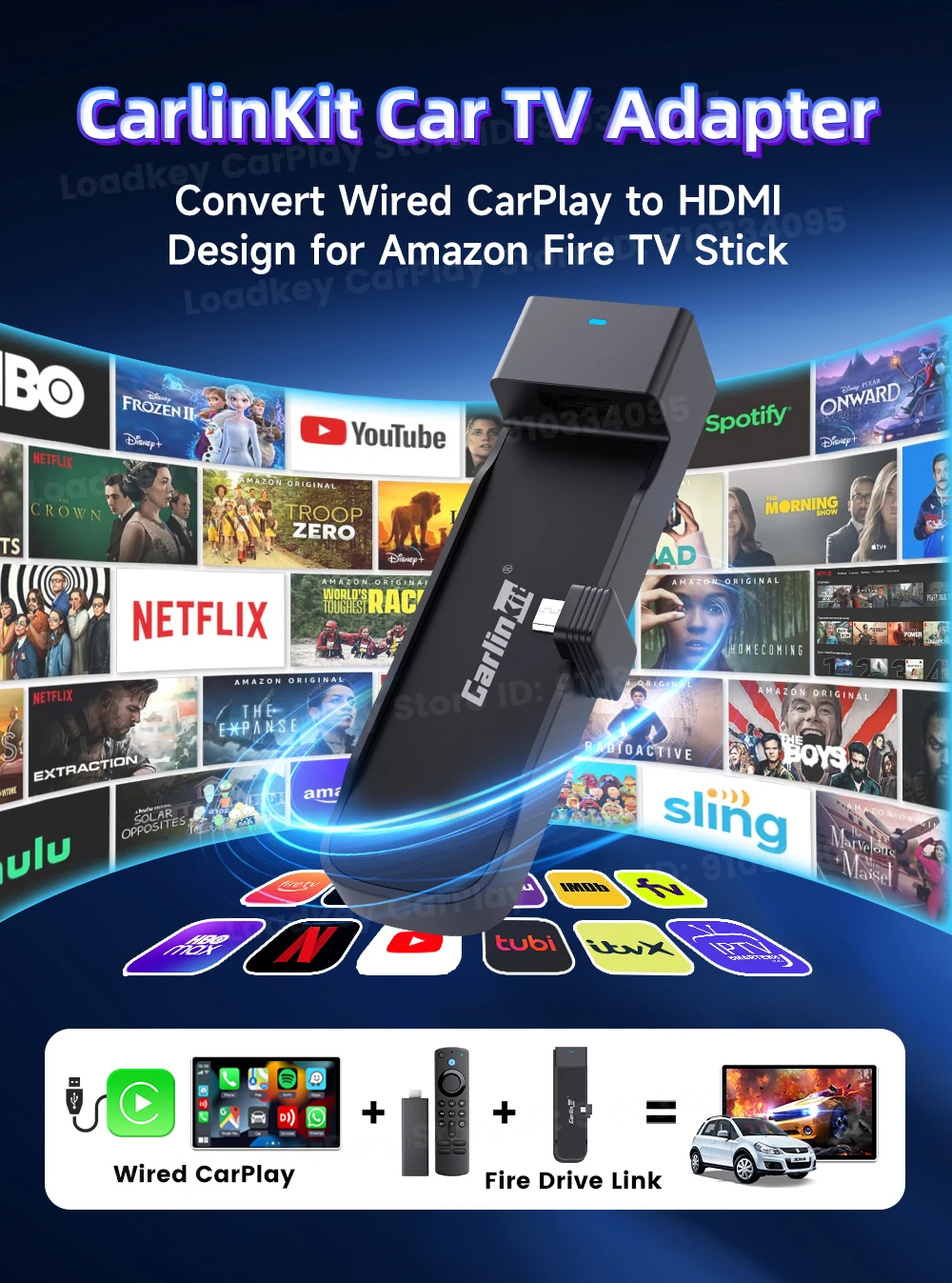
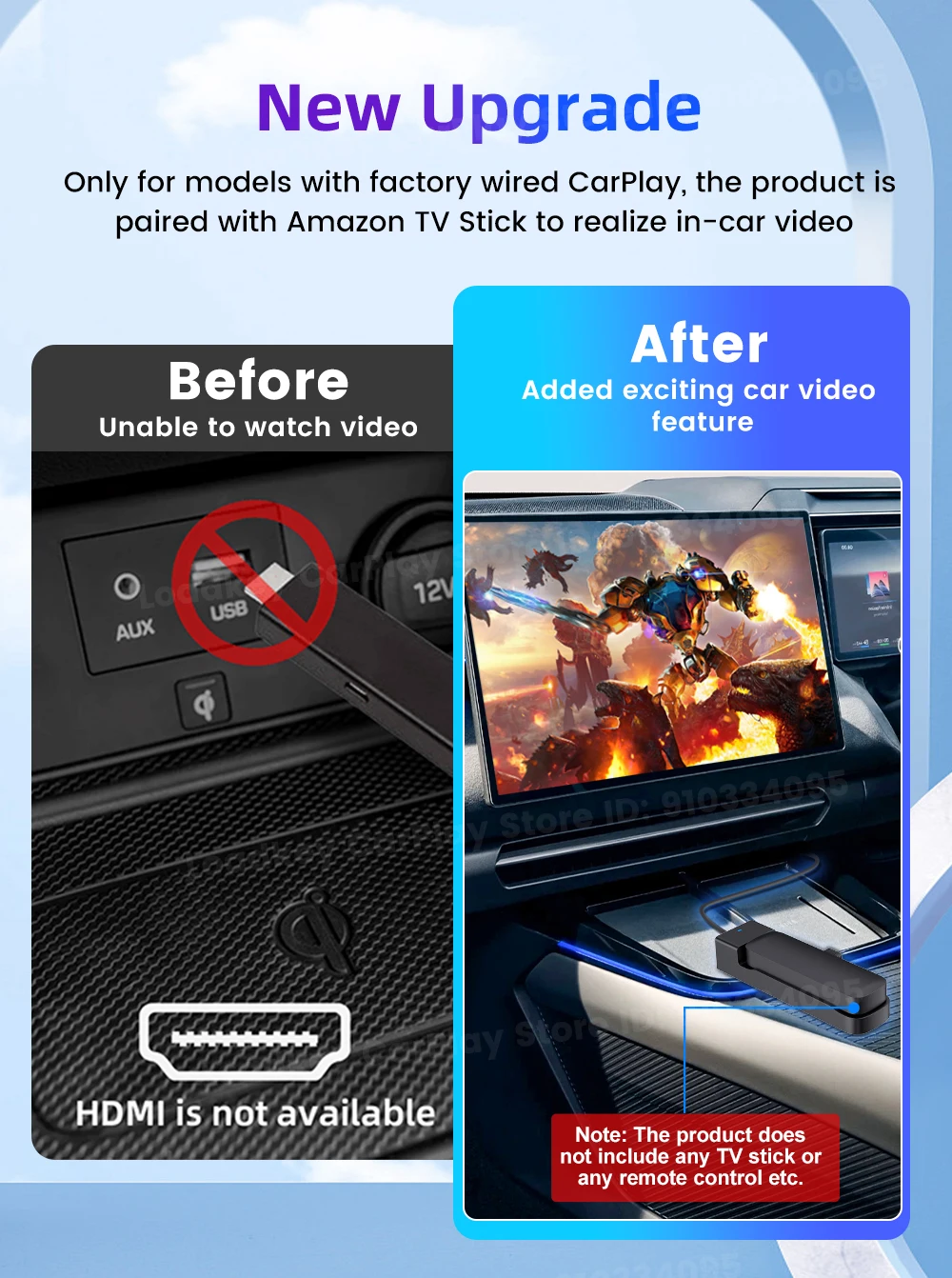
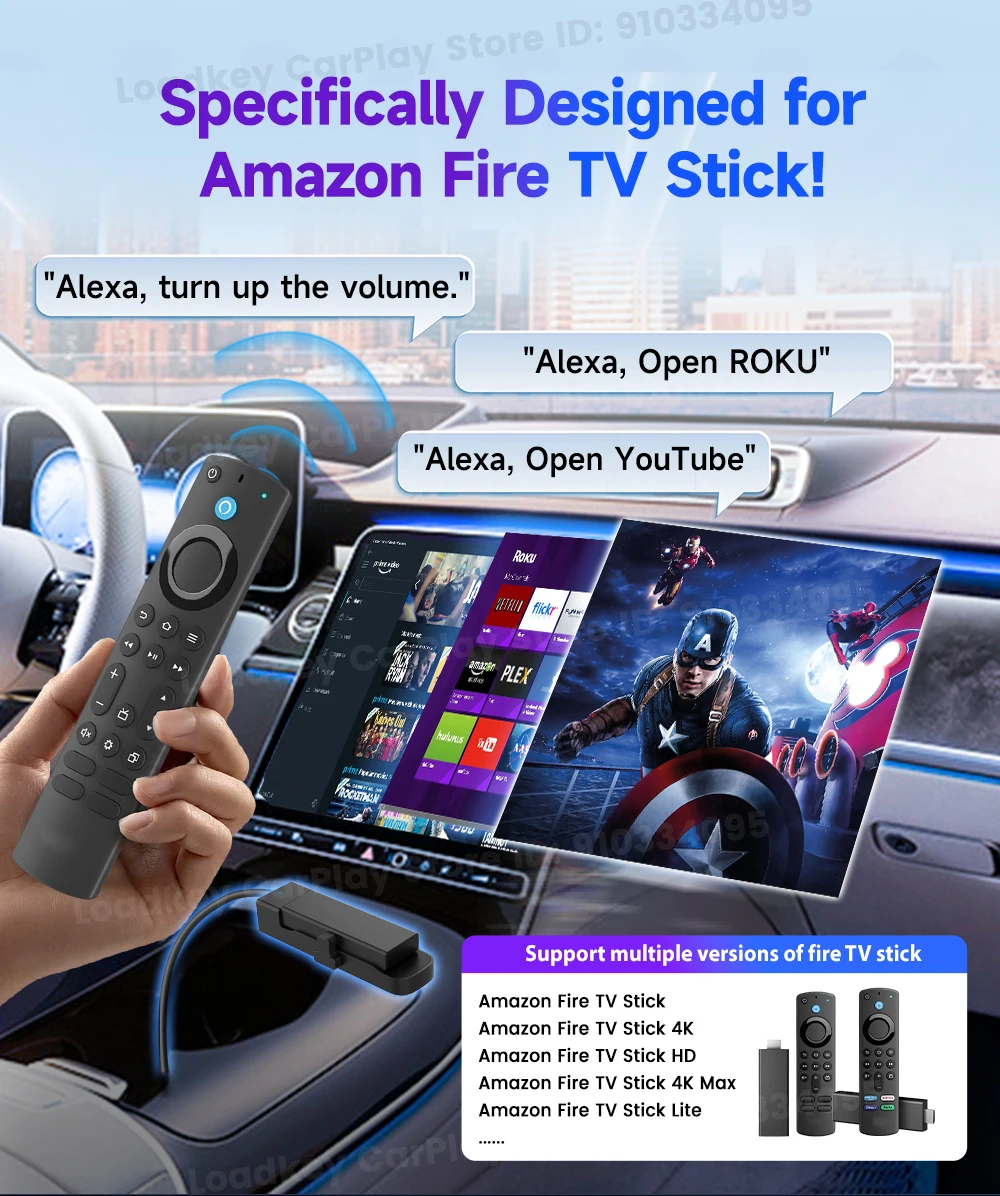
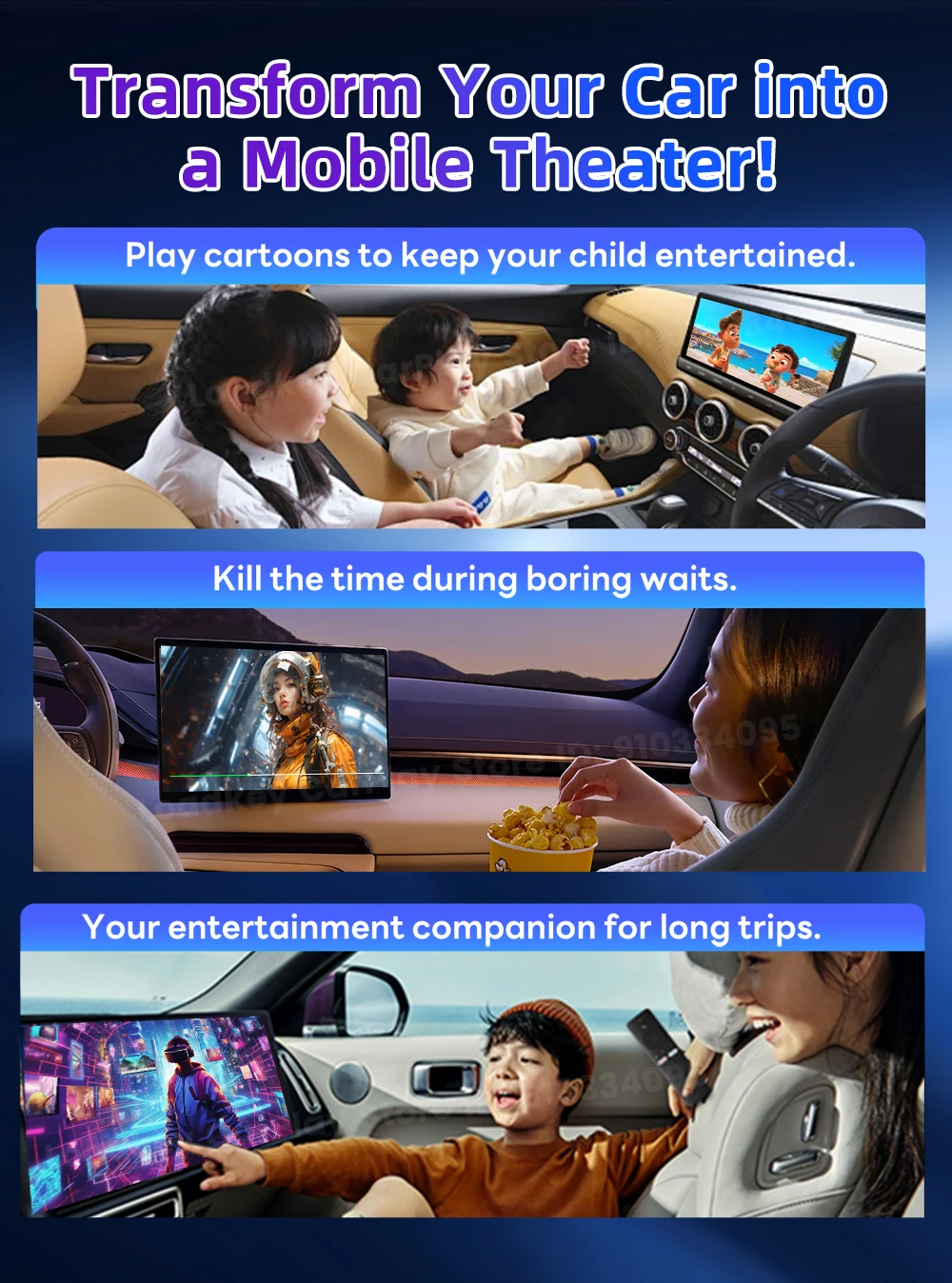
Seamless Wired CarPlay to HDMl Conversion Effortlessly convert your car's wired CarPlay to HDMl with the Carlinkit FireDrive Link,designed exclusively for use with Fire TV Stick. Stream your favorite shows, movies and apps directly on your car's screen-perfect for road trips or keeping passengers entertained.
Warm Reminder
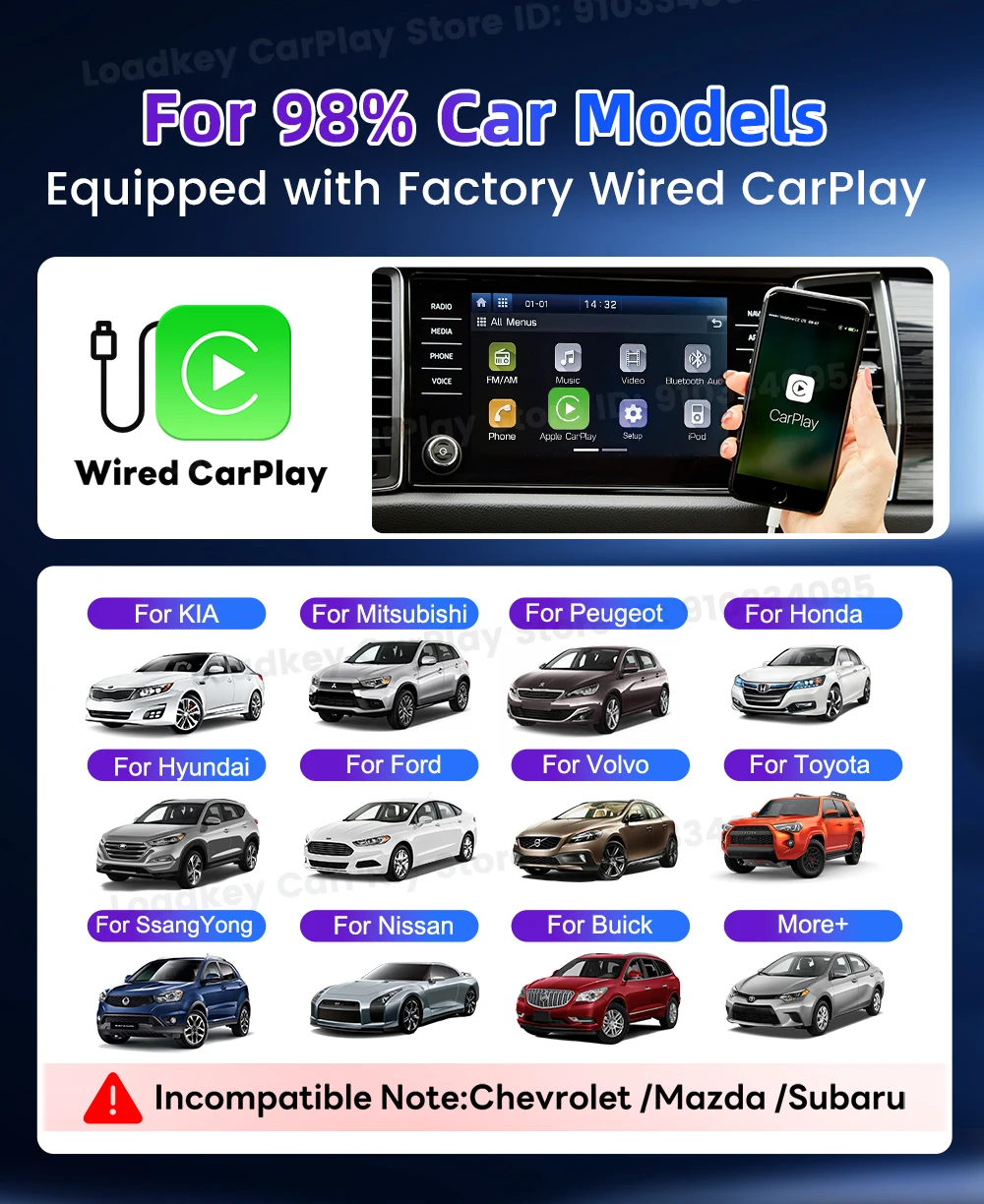
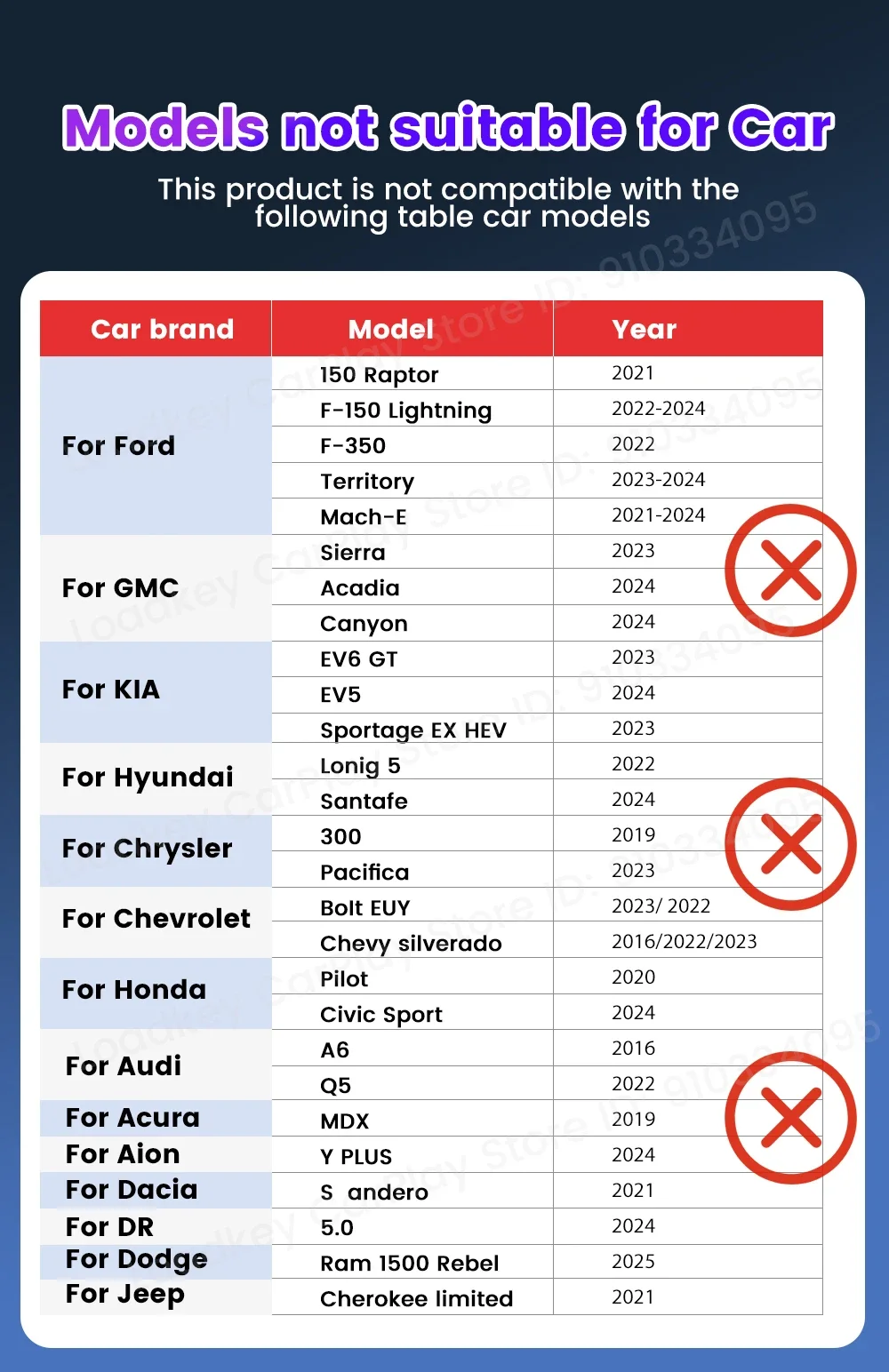
Now Only work for car with wired CarPlay ,if have not CarPlay ,it will not work for your car.
Universal Compatibility
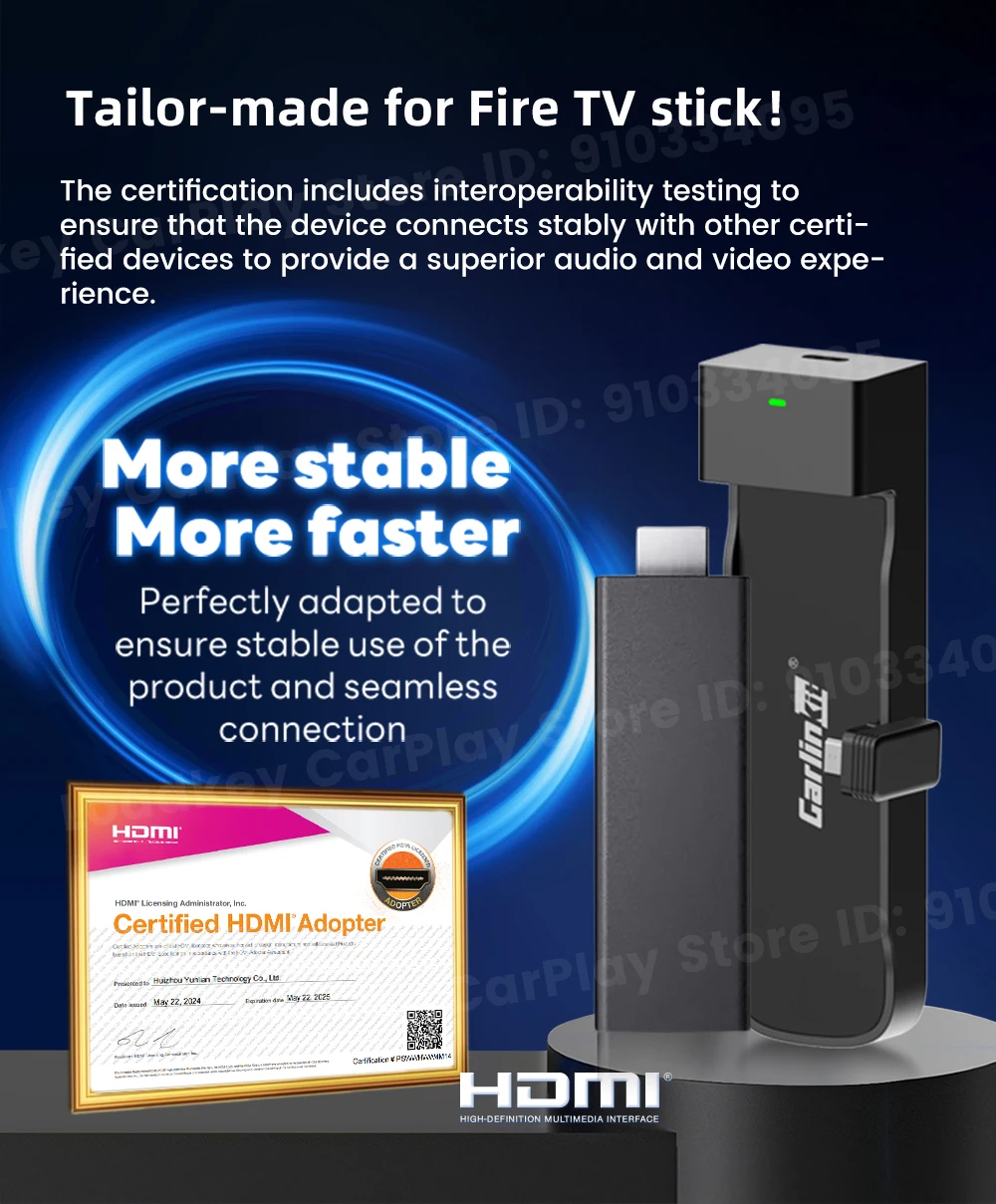
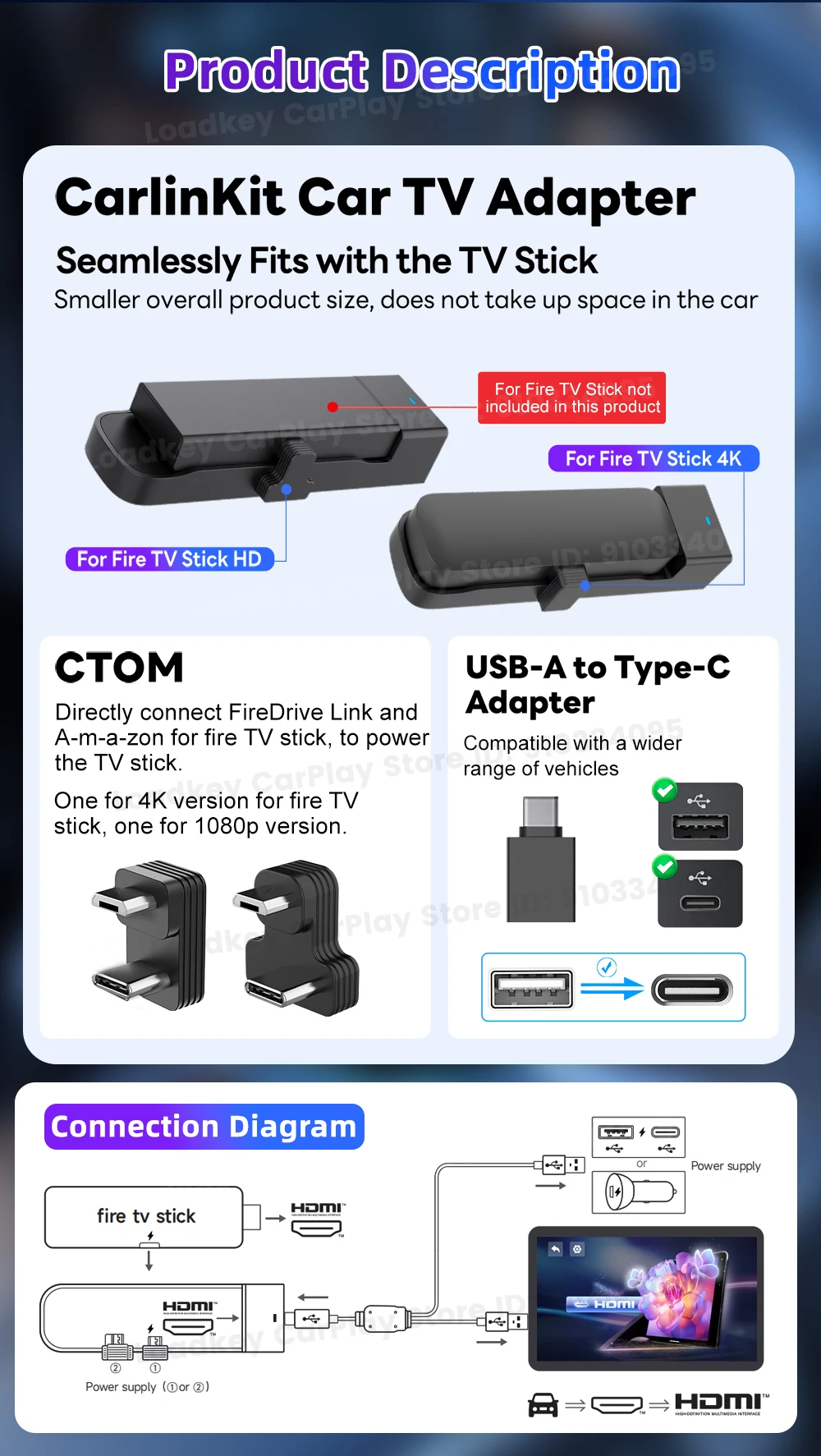
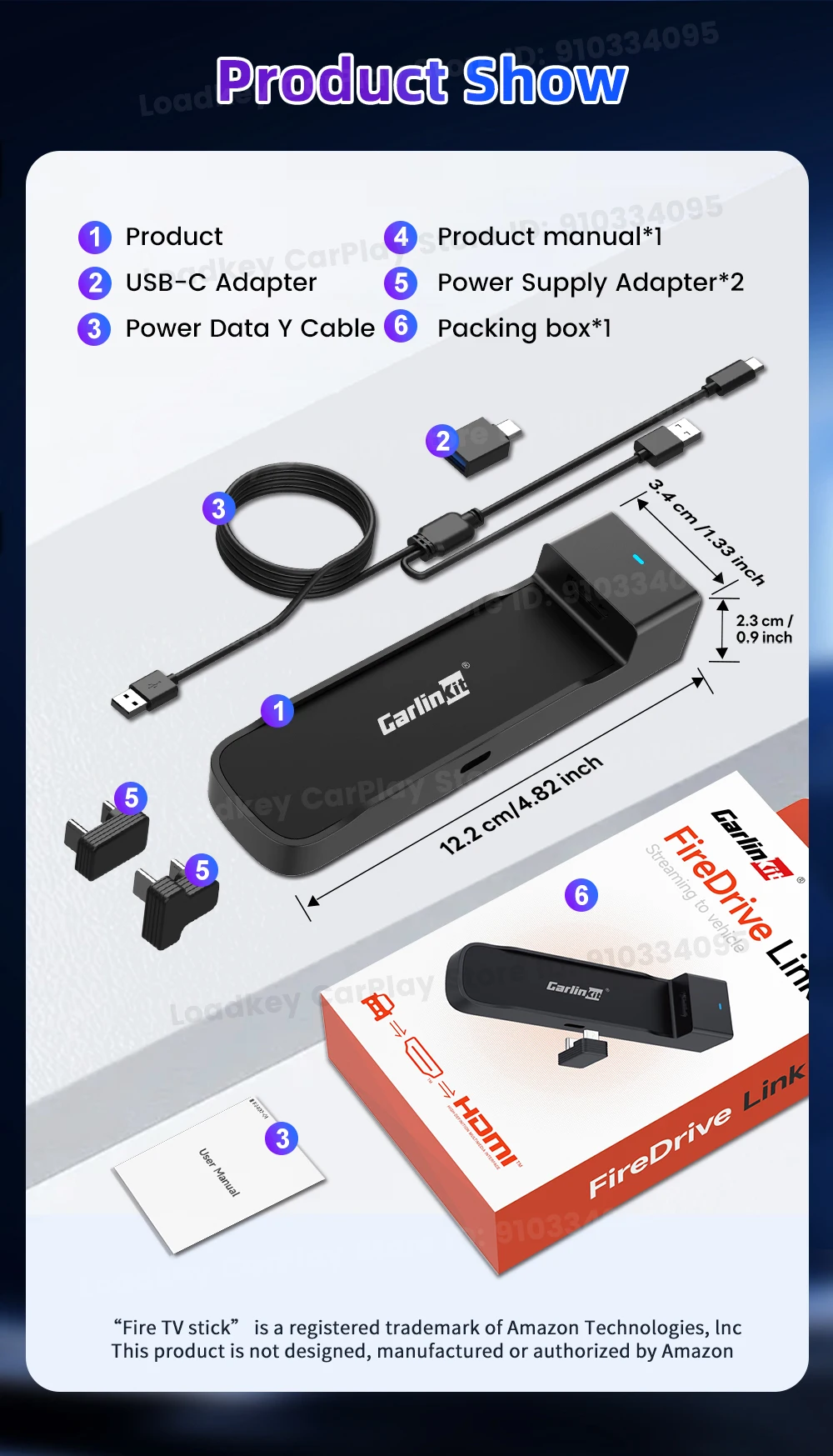
Universal Compatibility with All Fire TV Stick Versions The FireDrive Link comes with two Power Supply Adapters, supporting for all versions of Fire TV Stick, including both the 4K and regular versions. No matter which model you own, you can enjoy seamless streaming on your car’s display
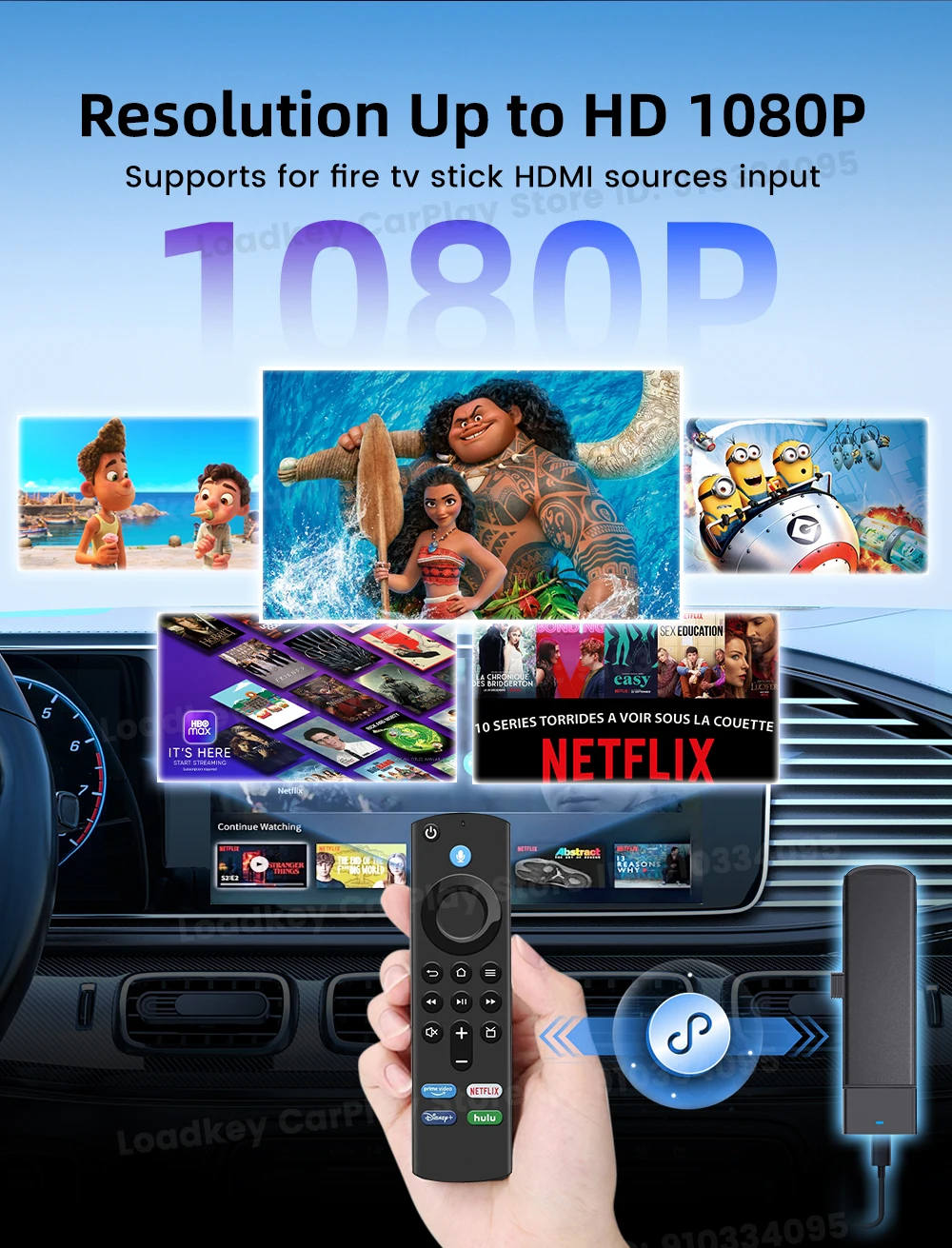
With HDMI port ,Supports up to 1080P@60Hz resolution
HD 1080P signal cycle input:HDMI car adapter supports HDMI output and 60Hz refresh rate. It delivers clean and crisp image quality without delay. Record specific moments in your video game adventures and experience smooth viewing while watching Netflix or YouTube movies
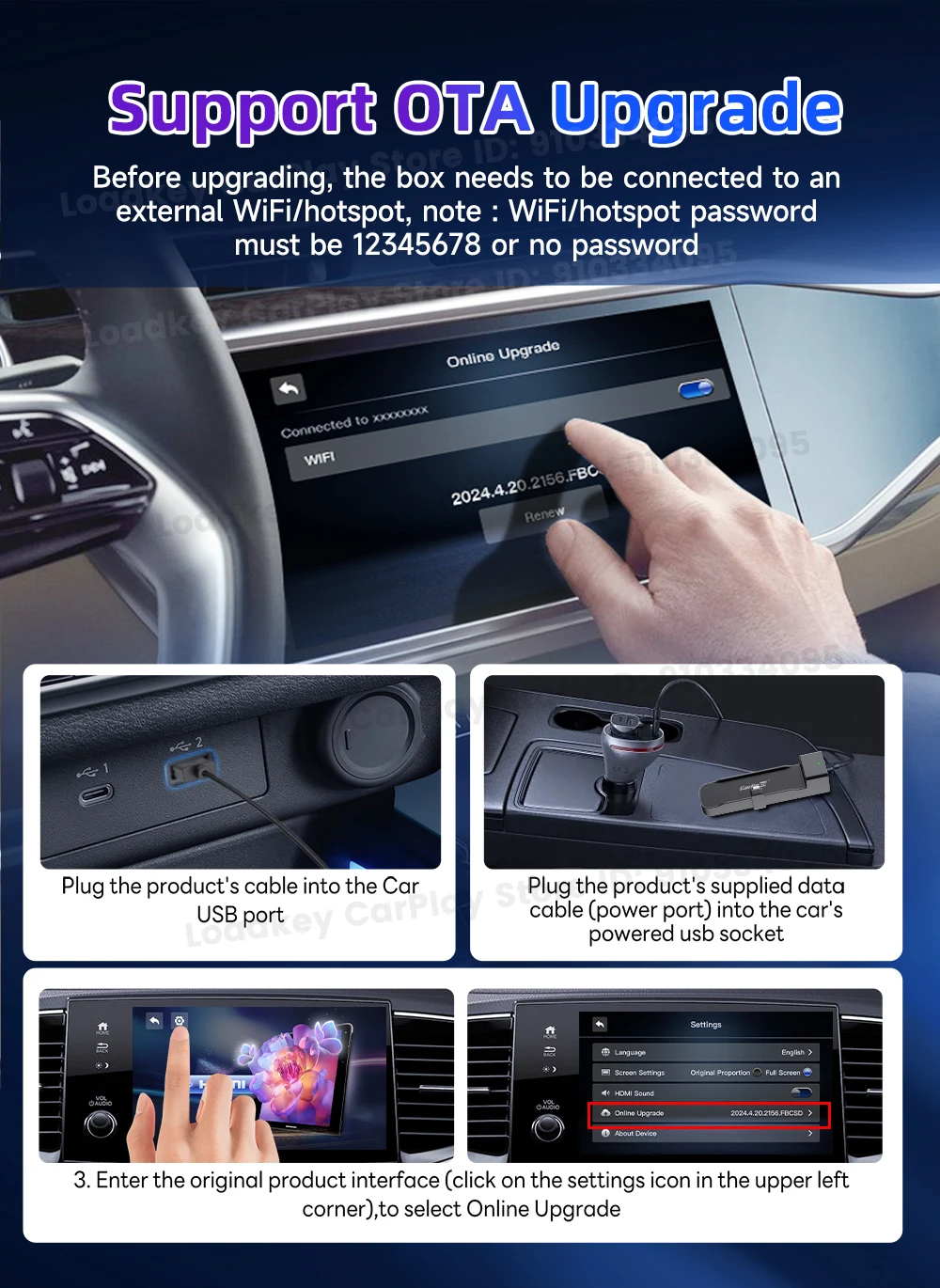
FOTA Online Updates
With OTA updates, your system can be kept up to date and continuously improved, ensuring every drive is fun.
Easy to Use
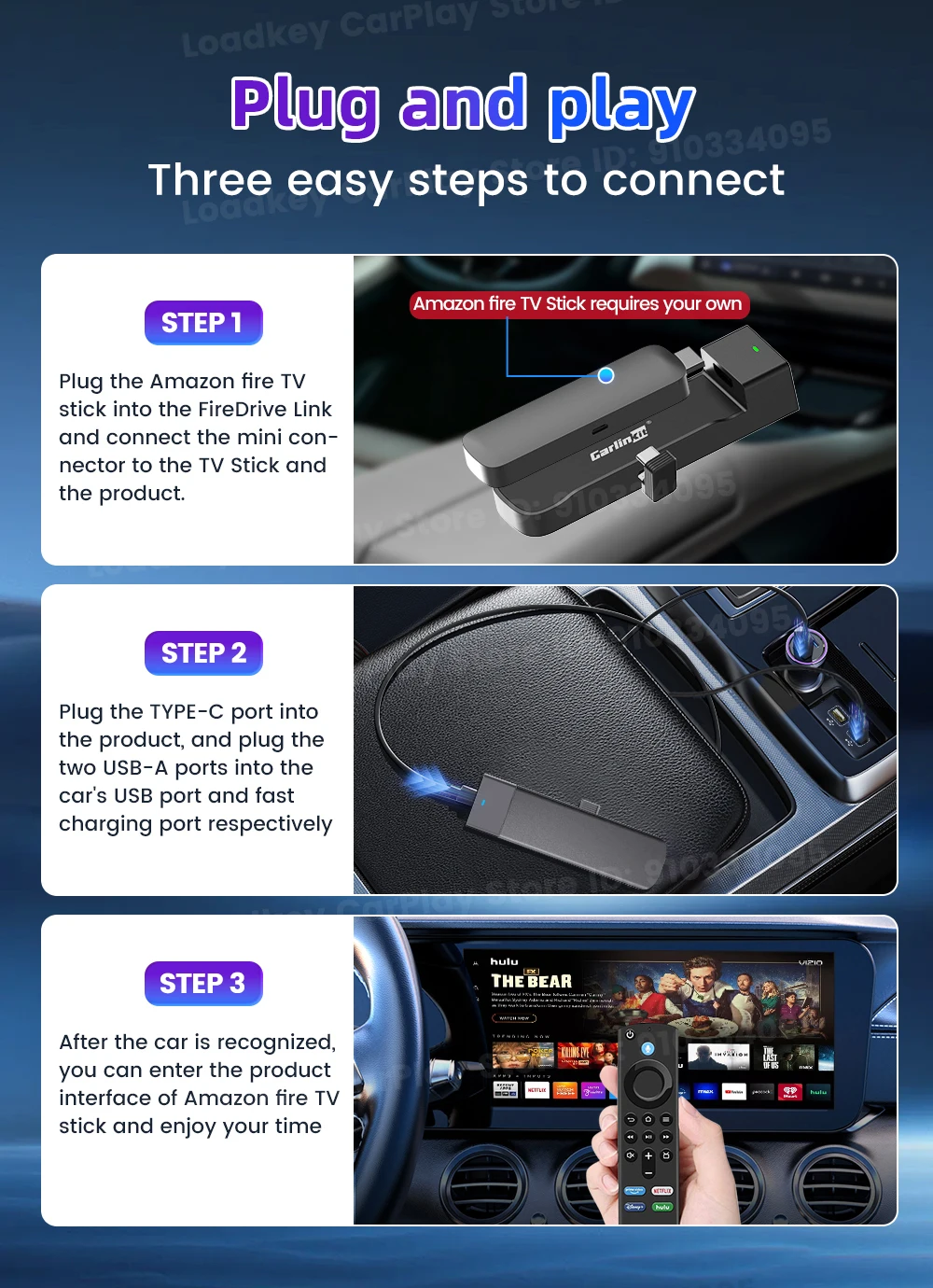
Step 1: Connect the long end of the Y -shaped data cable of Carlinkit car TV HDMI adapter to your car power supply, and the shorter end is connected to your car's USB CarPlay port.
Step 2: Connect the HDMI output device (such as a TV rod) to the adapter.
Step 3: After the car is recognized, you can enter the product interface of the Fire TV Stick