Image Sensor: 3MP COMOS sensor, 5MP, 8MP Interpolation
Lens: F=2.0 FOV=70Auto IR-Cut Remove (at night)
Display Screen of Remote Control: 2.4"LCD
PIR detection range: 82ft
PIR Sensitivity: Adjustable (High/Middle/Low)
Memory Card: Up to 32GB
Brand Name: OURHKE
Color: Blue / Green
Consumer Electronics: Digital Camera
Image Stabilization: Yes
MegaPixel: about 20 MP
Memory Card Type: SD
Model Number: BG523
Night vision distance: 99-131ft
Optical Zoom: Fixed Focus,Fixed Focus
Place of Origin: Guangdong
Power source type: Battery Powered
Screen Size: 2.7",2" - 3"
Security & Protection: Video Door Phone
Sensor: CMOS
Sensor Element Type: CMOS
Special Feature: camera
Special Features: Waterproof / Weatherproof
Sports & Entertainment: Hunting Cameras
Style: Box Camera
Type: Game Camera
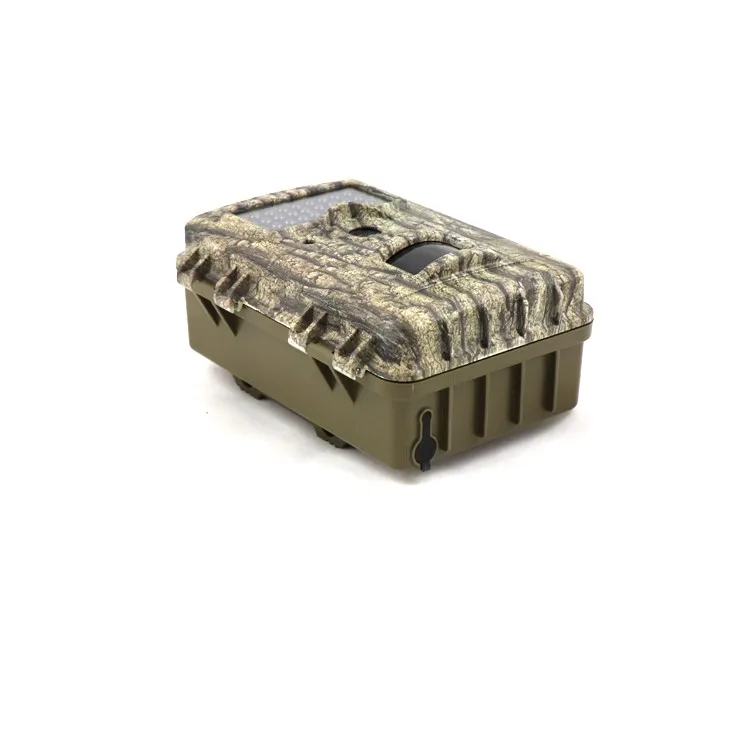
Image Sensor: 3MP COMOS sensor, 5MP, 8MP Interpolation
Lens: F=2.0 FOV=70Auto IR-Cut Remove (at night)
Display Screen of Remote Control: 2.4"LCD
PIR detection range: 82ft
PIR Sensitivity: Adjustable (High/Middle/Low)
Memory Card: Up to 32GB
Operation: Day/Night
Trigger Time: <0.5S
Power Supply: 4AA or 8×AA recommended
Sound Recording: Available
Mounting: Rope(<Ø10mm)/Belt/Python Lock
Operation/Storage Tem: Rope(<Ø10mm)/Belt/Python Lock
Operation Humidity: 5%-90%
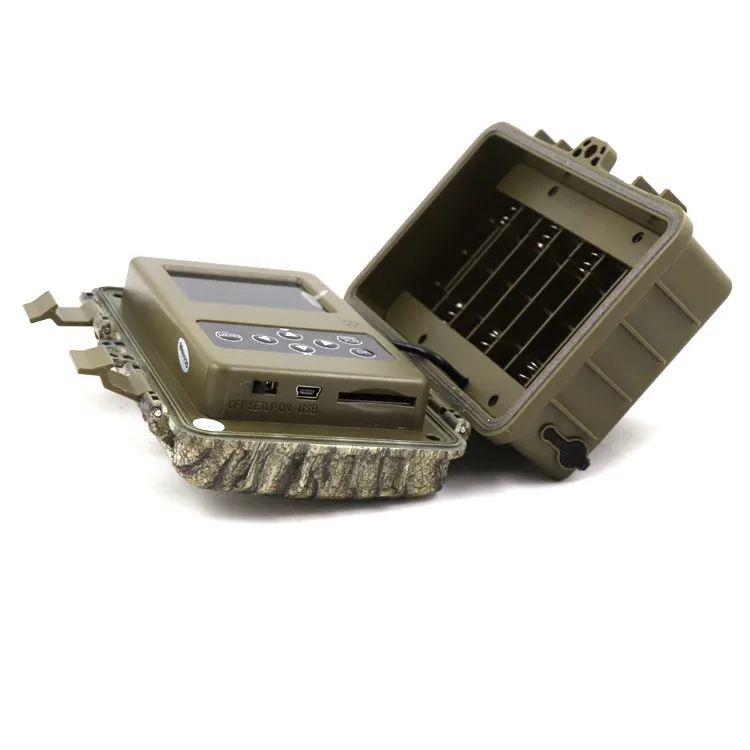
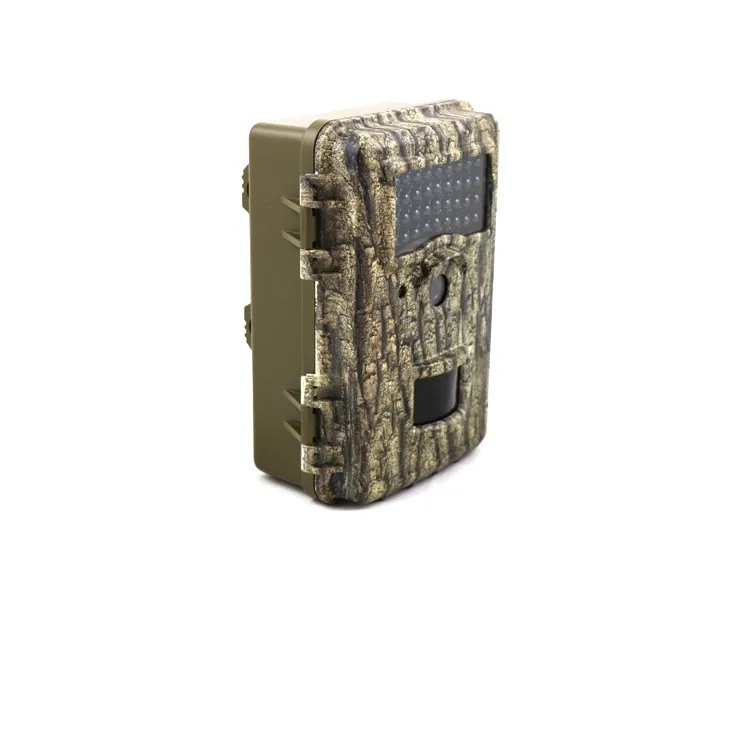
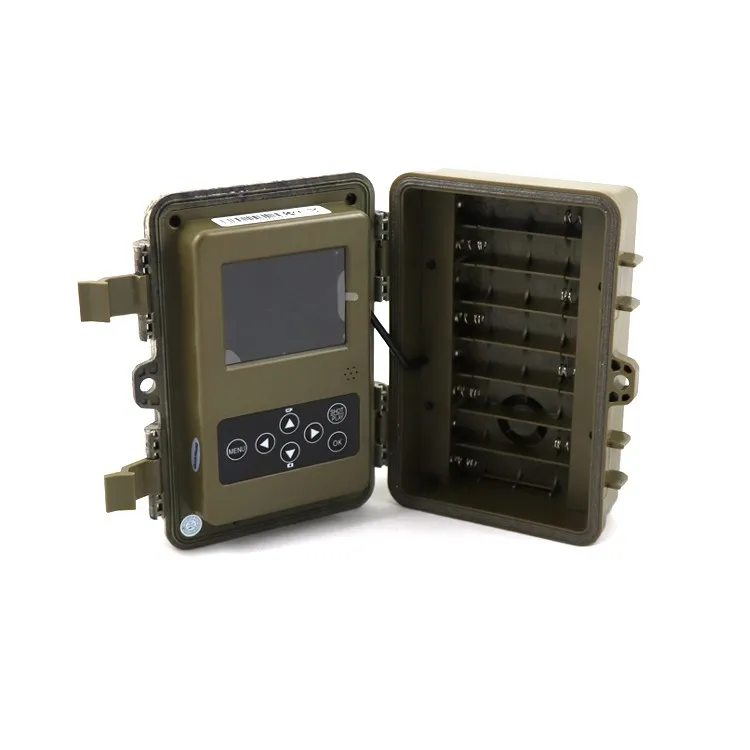
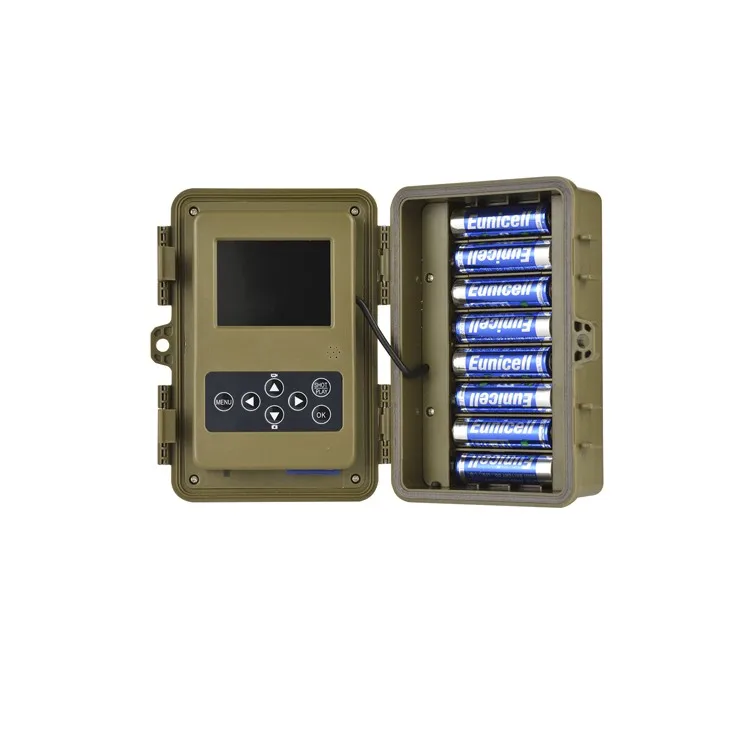
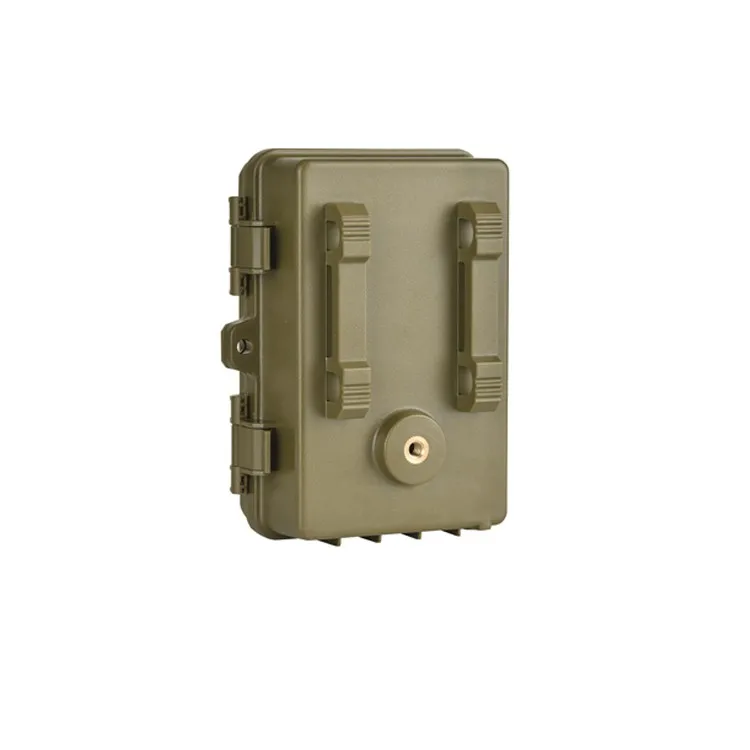
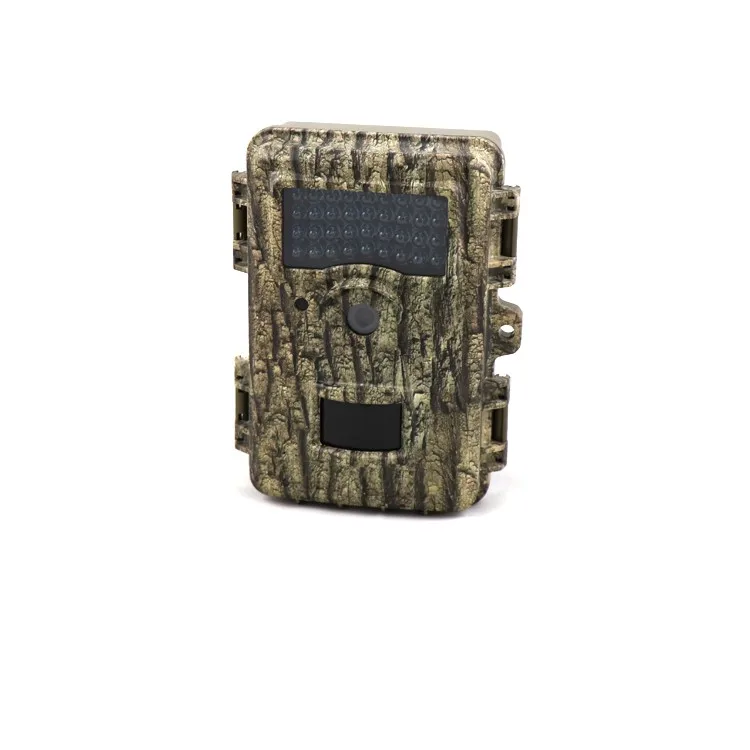
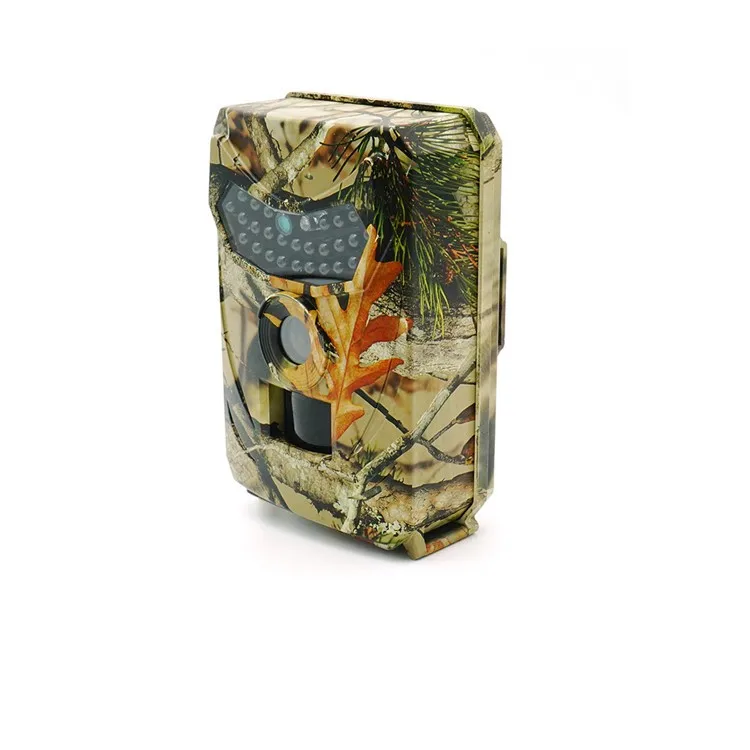
RP100 12MP Hunting Trail Camera
BG523
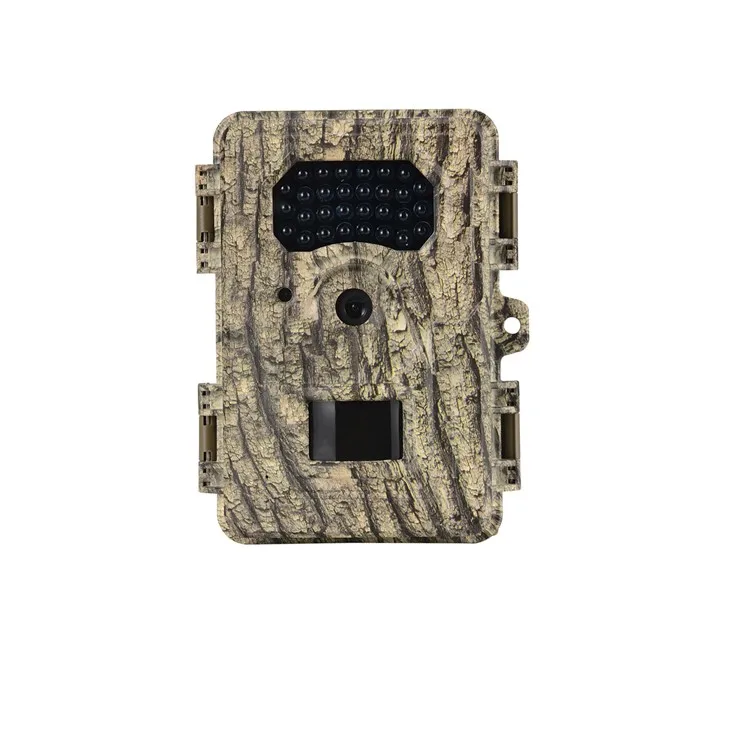
BG526
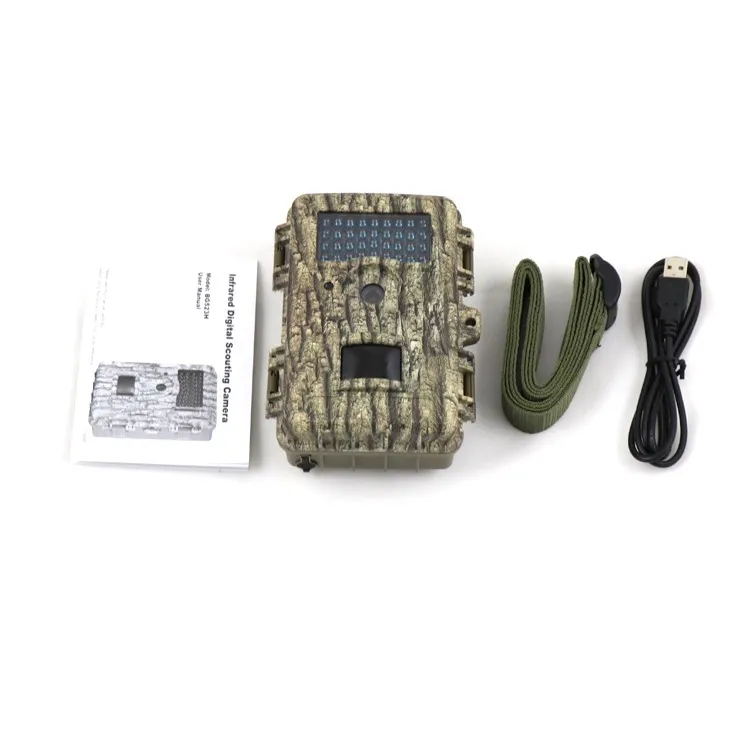
1 x Camera
1 x USB cable
1 x Str

Question 1: When can I get the price?
We usually quote within 24 hours after we get your inquiry.If you are very urgent to get the price, please call us or tell us in your email so that we will regard your inquiry priority.
Question 2: How can I make payment?
Western Union, T/T Bank Transfer, Paypal, Alipay, Escrow, L/C etc are acceptable.
Question 3: What about the transportation
EXW, FCA, FOB, CIF are acceptable.
Courier like DHL, UPS, TNT, FedEx, EMS are acceptable.
Air cargo and Sea are acceptable.
Also welcome your shipping agent to pick up the cameras from our factory.
Question 4: It doesn't work,what shall I do?
- Check if it has power.
- Check if you put TF card yet, or change the card.
- Change the resolution, frames per second.
- Insert the larger capacity memory card.
- Make sure the card has been installed correctly
(during the installation process, you should hear a clicking sound).
- Delete unnecessary files from the memory card to release space.
Question 5: It is not able to charge, what should I do?
- Try to change another USB cable or AC adapter.
- Try to reset.
- Take the card out and try again.
- Contact us for help.
Question 6: How can I know the power is low?
- The red indicator flashes quickly, vibrator shakes four times then camera turns off automatically.
- That means not enough power to work.
Question 7: How can I know the card is full?
- The green indicator flashes quickly, vibrator shakes six times then camera turns off automatically.
- That means the card is full.
Question 8: The video and audio is out of step when play on PC,why?
- Copy the video files to computer,then try again.
- Check if your player is latest version, update or try to play videosby other players,such as VLC
media player and storm player
Question 9: Video is not clear
- Ensure that the camera lens is clean.
- Wipe off the dust and dirt on the lens, and then shoot.
Question 10: Equipment to work normally, but the key does not work
- Press the reset button to initialize the machine.

Addrss: Suite 1404, Tung Wai Commerical Bldg., 109-111 Gloucester Road, WanChai, Hongkong